01
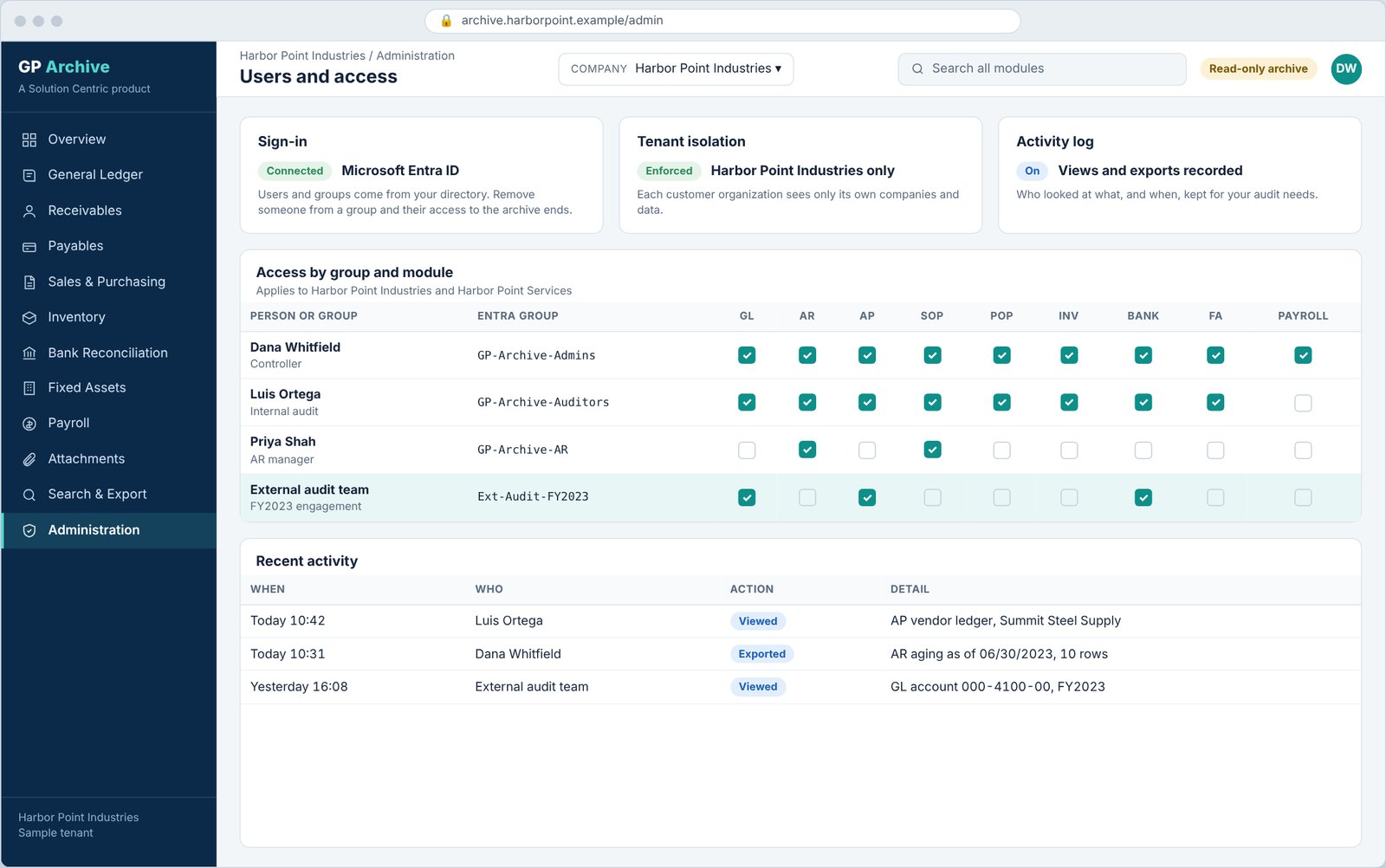
Sign in with your company account
Sign-in uses Microsoft Entra ID, so there are no new passwords to manage.
- Users authenticate with the Microsoft account they already use at work.
- Group membership in Entra ID decides who can open the archive and which modules they see.
- Users are told at sign-in that their activity is recorded.
02
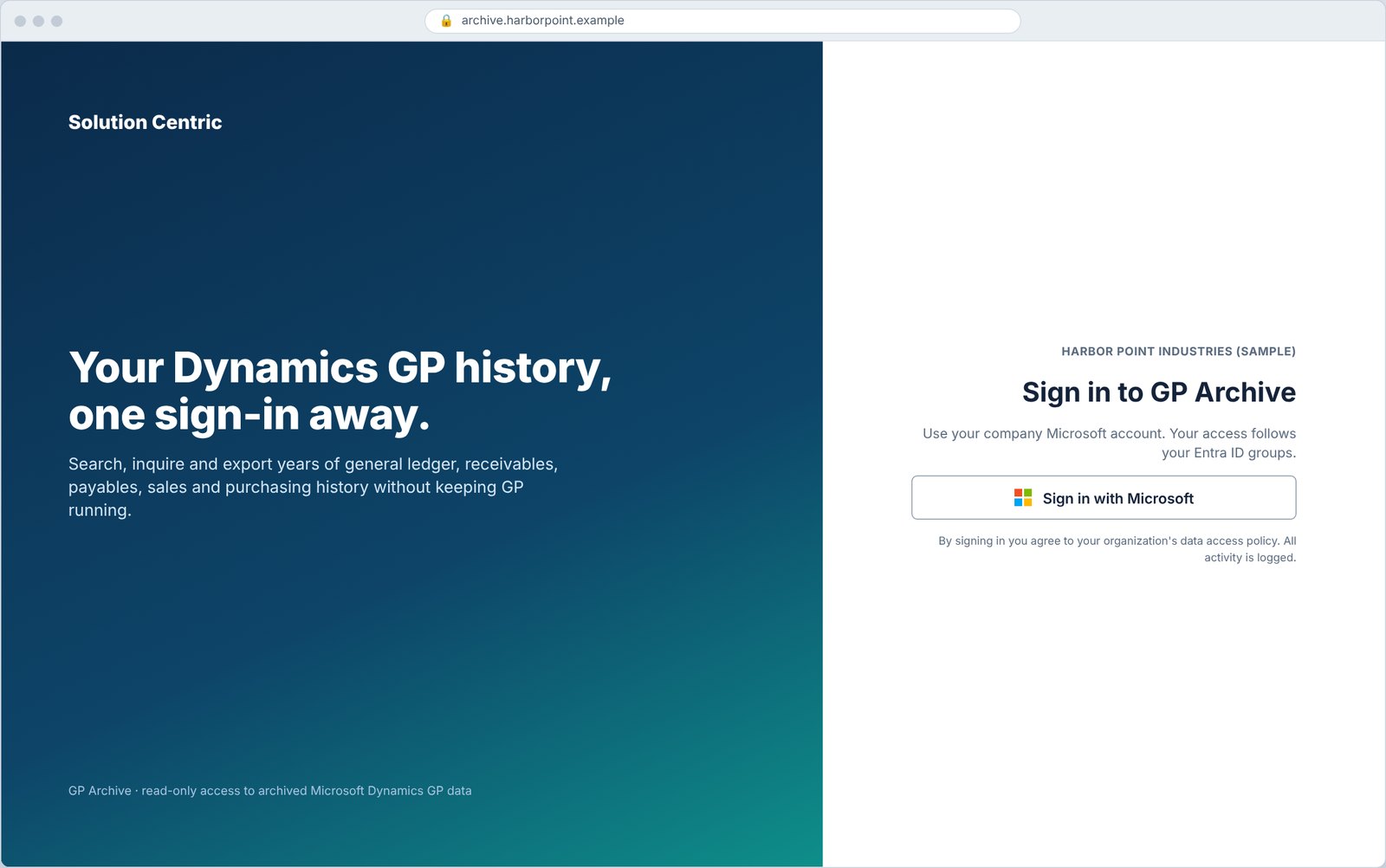
Overview and load verification
See what has been archived, module by module.
- Record counts and covered years for each module.
- Load verification compares archived totals with the source, so you can sign off before retiring GP.
- Multi-company GP databases are available from one company selector.
03
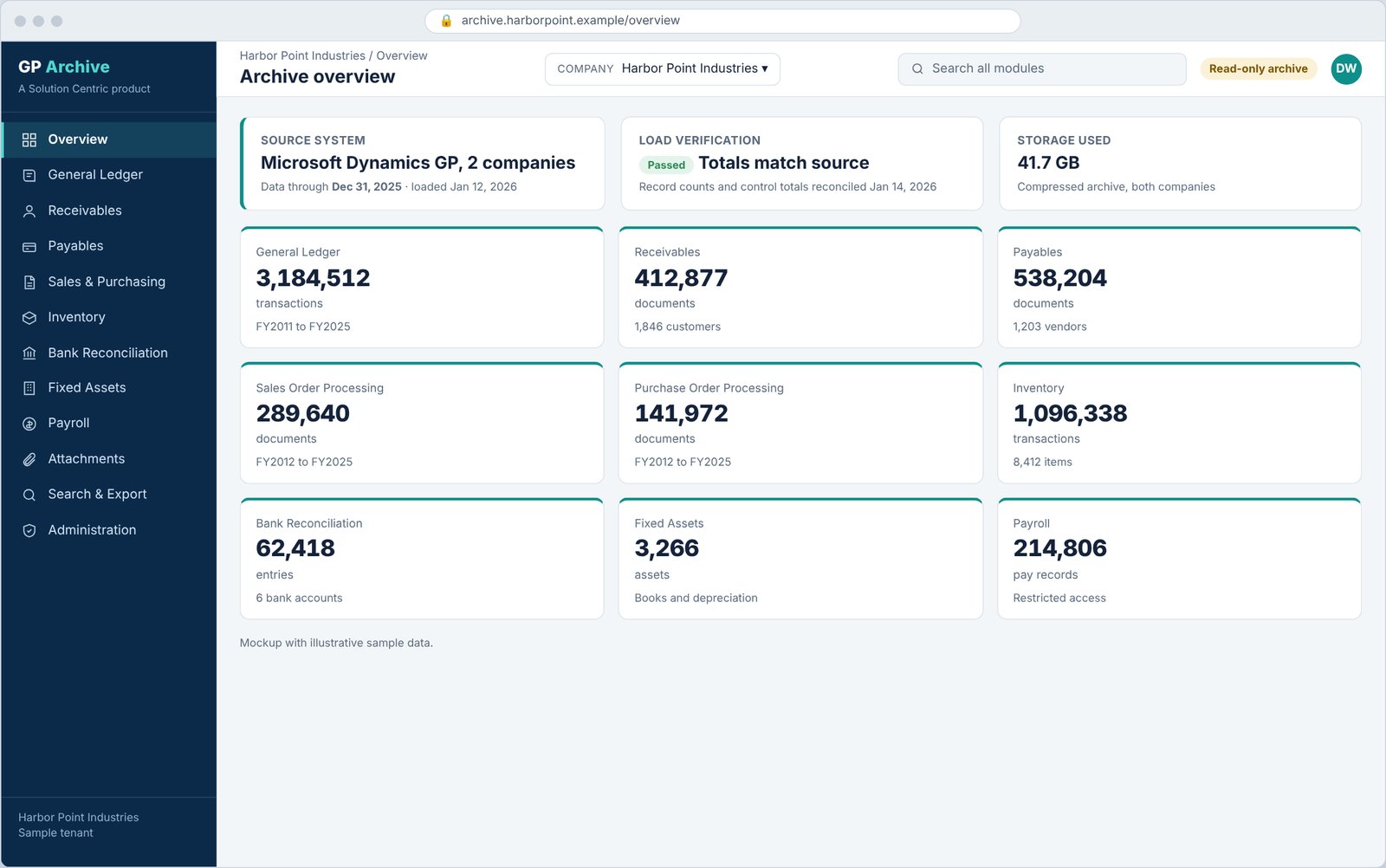
General ledger inquiry
Pick an account, a fiscal year and a range of periods.
- Debits, credits, net change and ending balance by period.
- Open any period to see the transactions behind it, each linked to its source document.
- Export the current view to Excel for audit support.
04
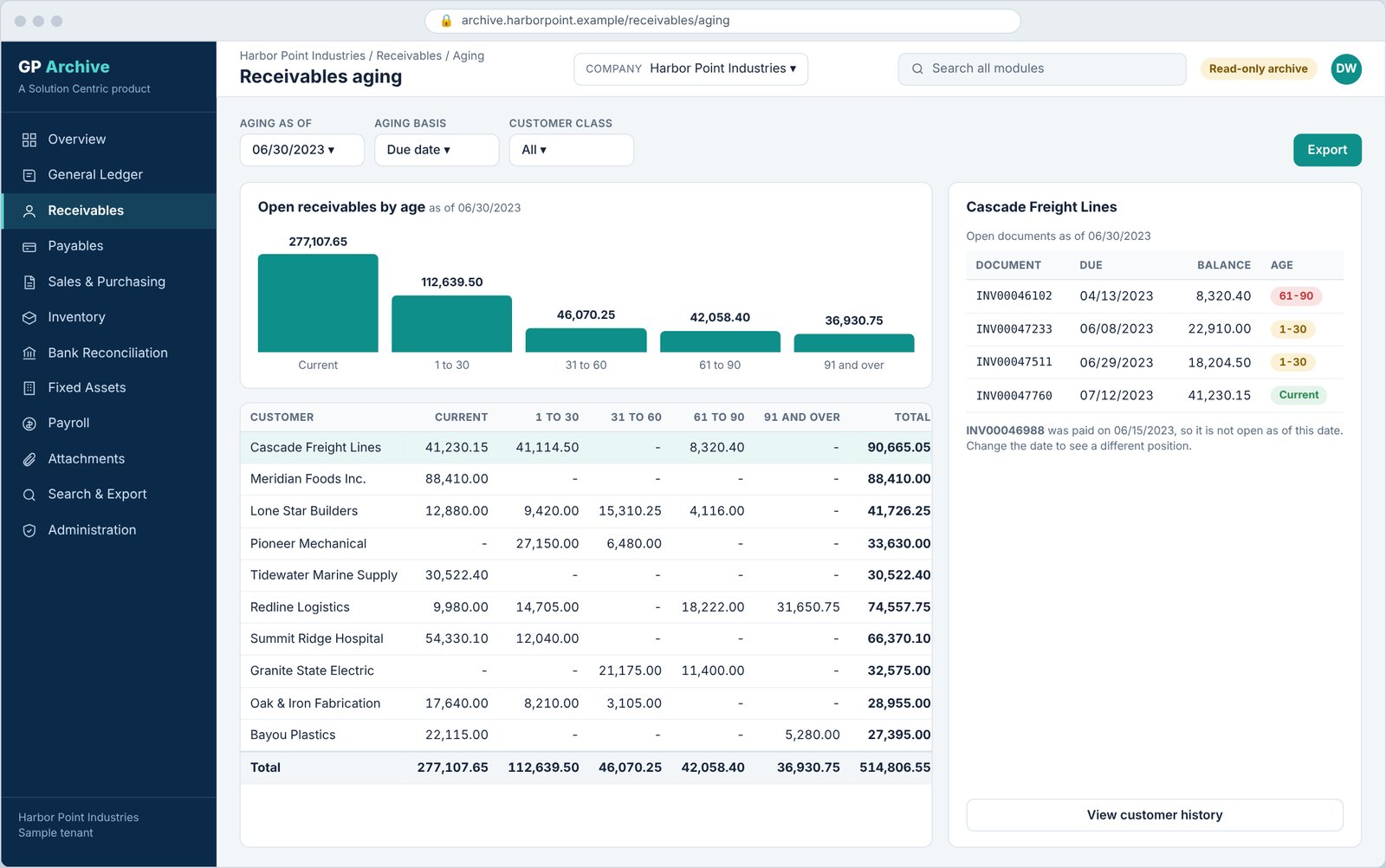
Receivables aging as of any date
See receivables the way they stood on a past date, not only today.
- Aging buckets from current through 91 and over are rebuilt for the date you choose.
- Select a customer to see the open documents behind each bucket.
- Answer "what did we think we were owed at year end" without rebuilding anything.
05
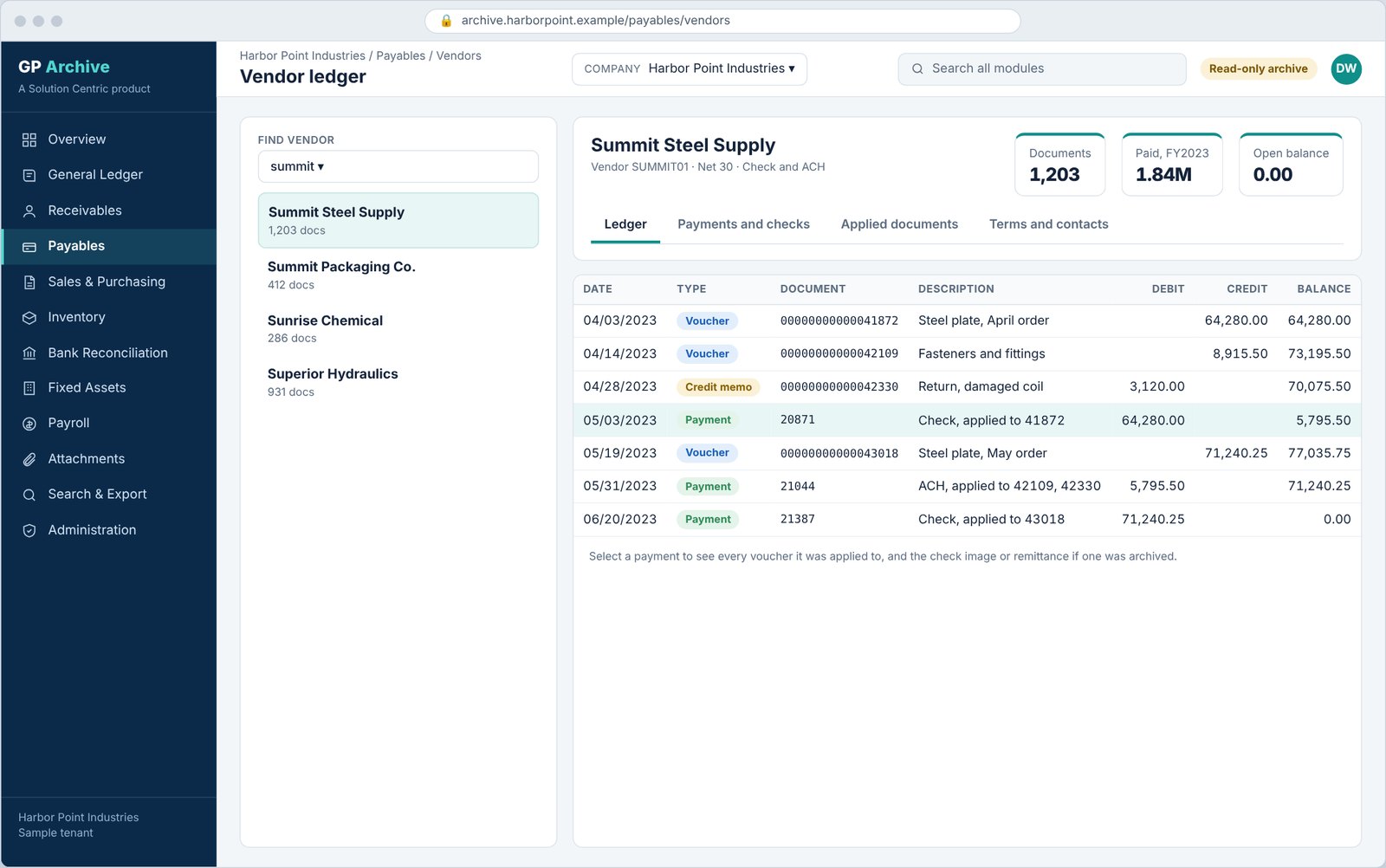
Vendor ledger and payments
Read a vendor's full history of vouchers, credit memos and payments.
- Find a vendor by typing part of its name.
- Select a payment to see every voucher it settled.
- A running balance shows how the account moved to zero.
06
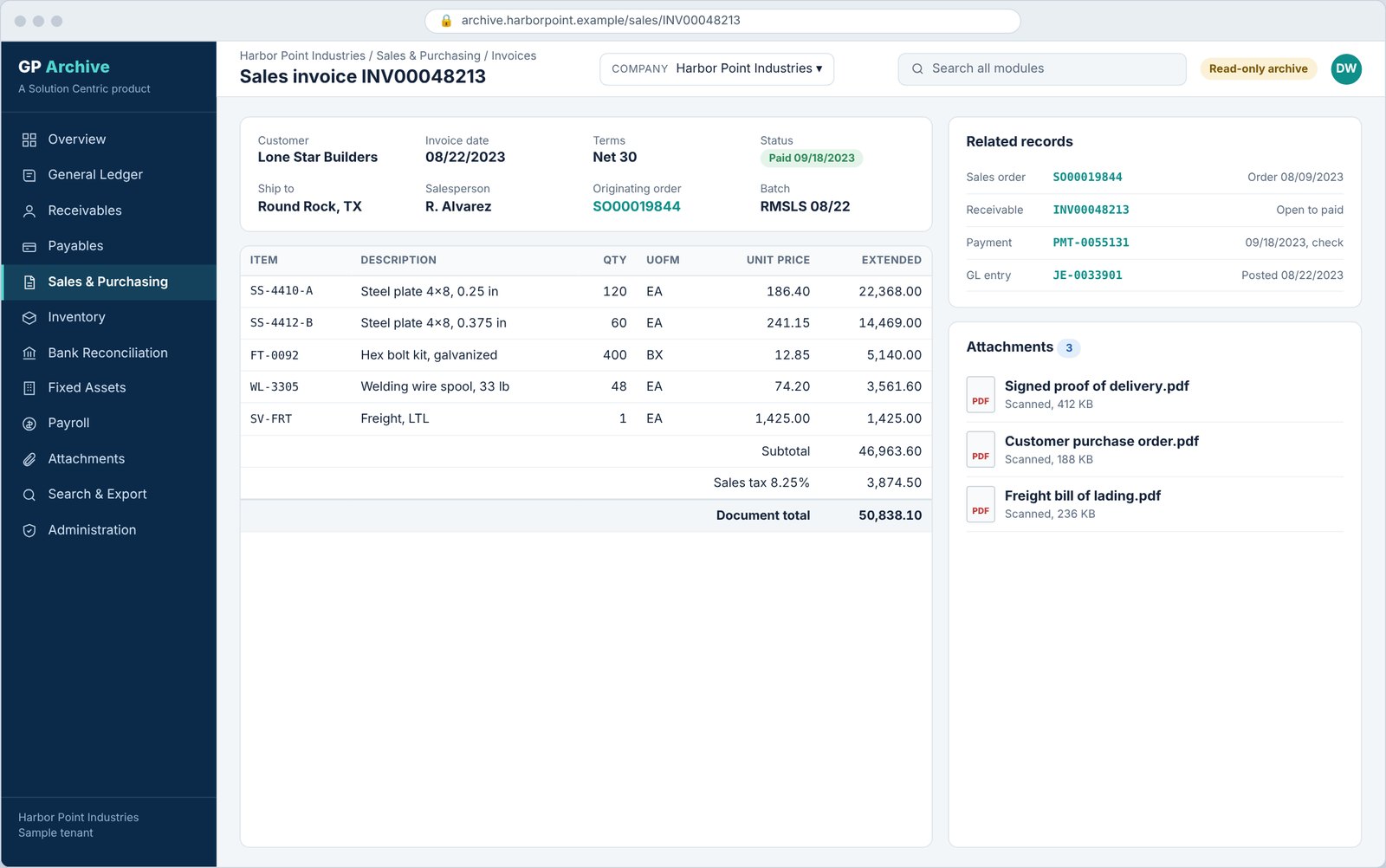
Document detail with related records and attachments
A sales invoice opens with its lines, totals, status and everything connected to it.
- Jump to the originating order, the receivable, the payment and the general ledger entry.
- Signed proofs of delivery, customer purchase orders and bills of lading open from the same page.
- Items, quantities, prices, tax and totals as they were posted.
07
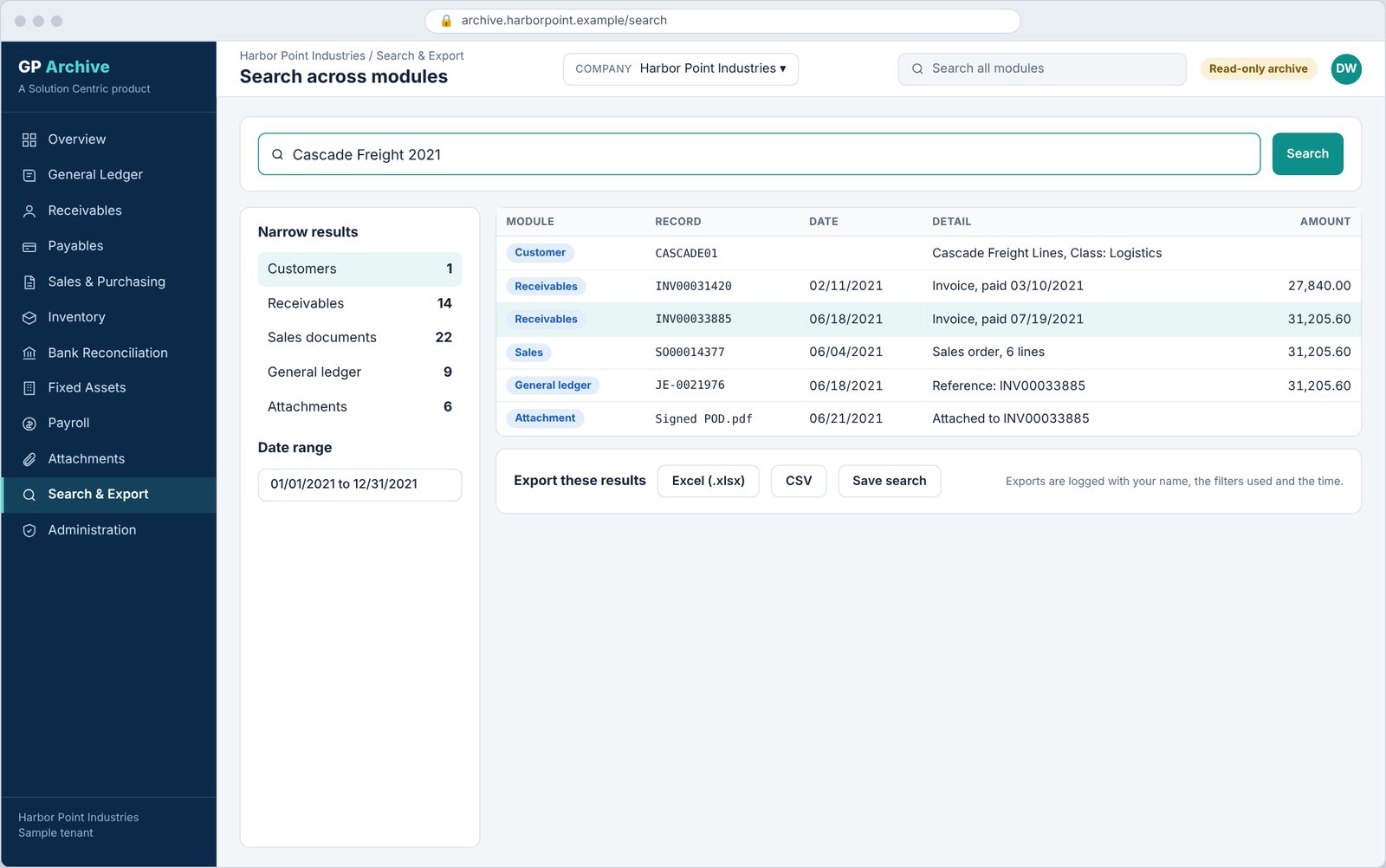
Search across modules, then export
One search box finds customers, receivables, sales documents, ledger entries and attachments together.
- Counts by module and a date range help you narrow results.
- Export to Excel or CSV, or save the search to run again.
- Each export records who ran it, the filters used and when.
08
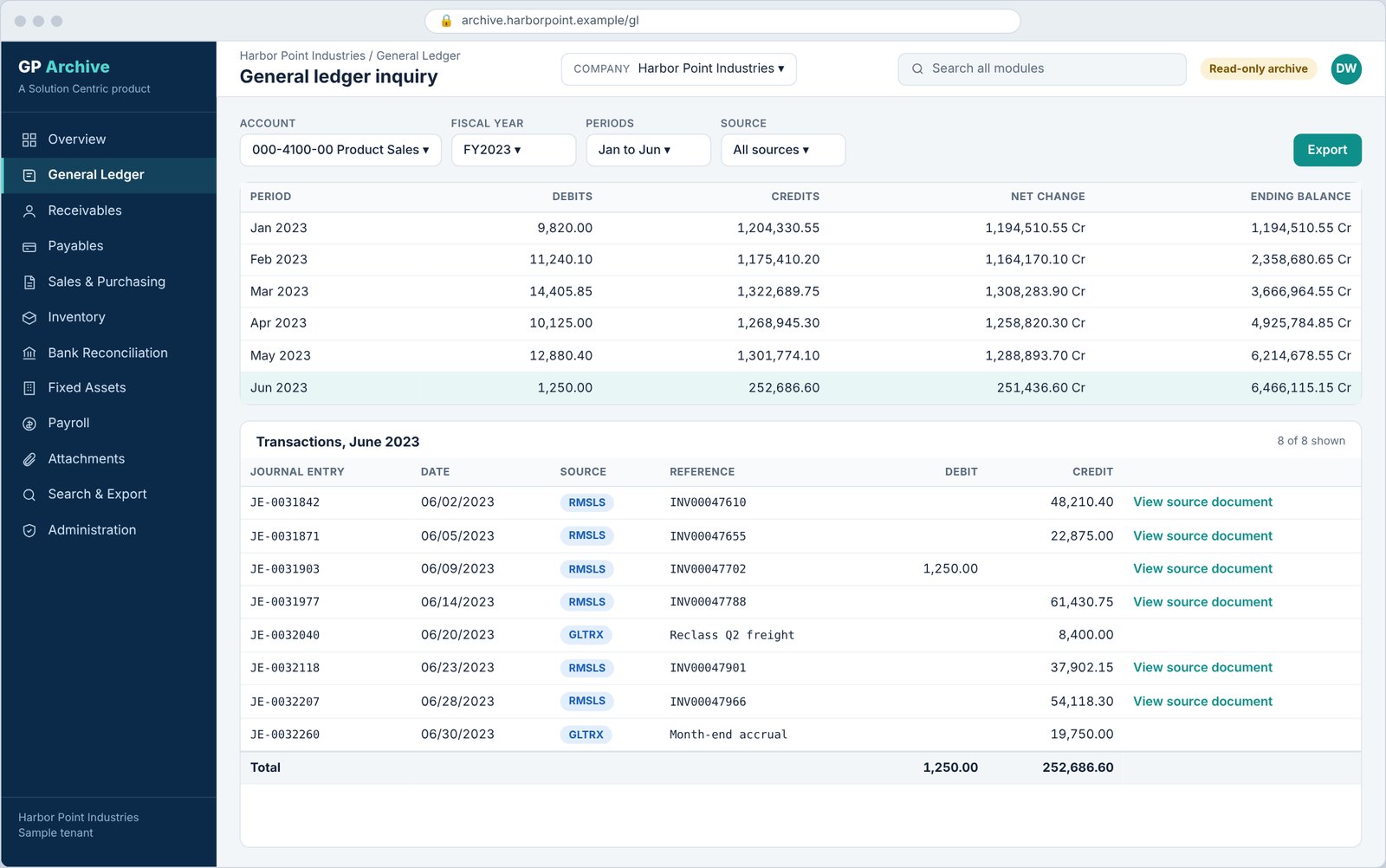
Users, access and the activity log
Administrators see who can open which modules, and what they have done.
- Map Entra ID groups to modules, such as giving a receivables manager only receivables and sales.
- In a multi-customer deployment each organization sees only its own companies and data.
- Views and exports are recorded for your audit needs.